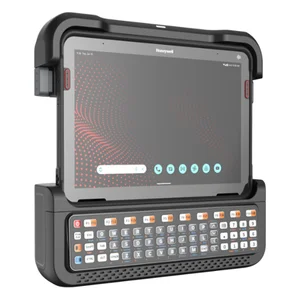
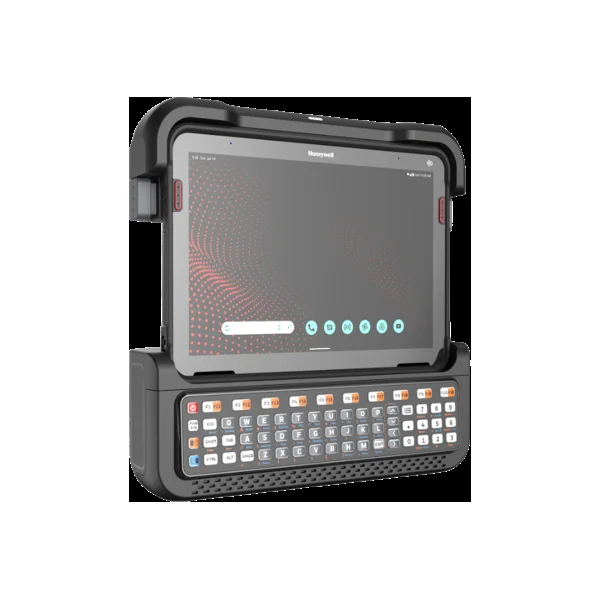
Batteries (2)
| Image | Name | SKU | Price |
|---|---|---|---|
| RT710 Standard Battery, 10, 000 mAh | RT710-BTSC-001 | $167.00 | |
| RT710 Extended Battery, 20, 000 mAh | RT710-BTEC-001 | $267.00 |
Docks (2)
Hand Straps (1)
| Image | Name | SKU | Price |
|---|---|---|---|
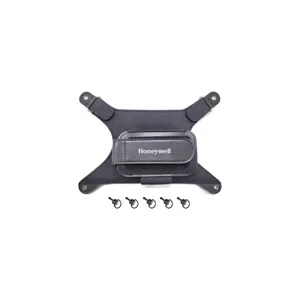 | EDA10A rotating hand strap, 1pcs/kit | EDA10A-HS-1PK | Original price was: $79.00.$67.00Current price is: $67.00. |
Interface Cables (1)
| Image | Name | SKU | Price |
|---|---|---|---|
| RT710, VM1, VM2, VM3 DC power cable right angle (spare), replaces VM1054CABLE and CV41054CABLE | VM1055CABLE | Original price was: $337.00.$287.00Current price is: $287.00. |
Keyboards (4)
| Image | Name | SKU | Price |
|---|---|---|---|
| Honeywell Rugged Keyboard, 86 Keys, Rubber Coating, Coiled Cord, LED Backlighting, Integrated Pointing Device, DB9 connector, use with VMCs and Tablets | 9000286KEYBRD | Original price was: $846.00.$719.00Current price is: $719.00. | |
| Honeywell Rugged Keyboard, 86 Keys, Rubber Coating, Coiled Cord, LED Backlighting, Integrated Pointing Device, USB Type A connector, use with VMCs and Tablets | 9000186KEYBRD | Original price was: $846.00.$719.00Current price is: $719.00. | |
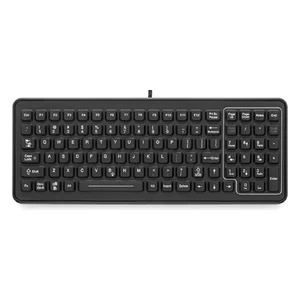 | Rugged Keyboard, 102 Keys, Backlit, desktop or vehicle-mount, DB9 connector | 340-053-003-DB9 | Original price was: $1,163.00.$989.00Current price is: $989.00. |
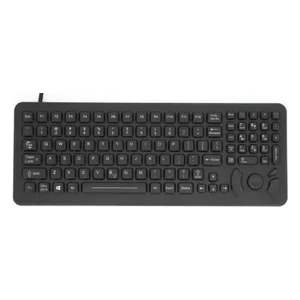 | Rugged Keyboard, 101 Keys, Backlit, cursor control, desktop or vehicle-mount, DB9 connector | 340-053-003-DB9P | Original price was: $1,225.00.$1,042.00Current price is: $1,042.00. |
Mounting Hardware and Stands (9)
| Image | Name | SKU | Price |
|---|---|---|---|
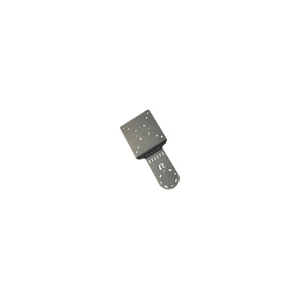 | RT10, RAM, KEYBOARD PLATE ADAPTER | RT10-KEYBD-PLATE | Original price was: $46.00.$39.00Current price is: $39.00. |
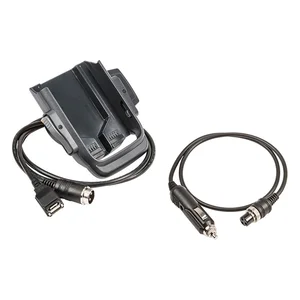 | RAM, BASE, SIZE ́D ́ 2.25 ́ Ball, 3.69 ́ Round Plate | VX89A030RAMBALL | Original price was: $100.00.$85.00Current price is: $85.00. |
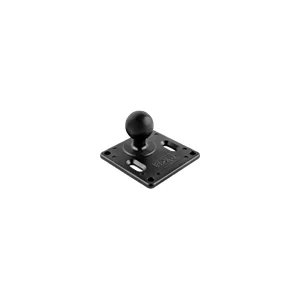 | RT10, RAM, BASE, SIZE ́C ́ 1.5 ́ BALL, Square Base Plate W/ 75x75mm VESA hole pattern | RT10-MNT-RAM-C | Original price was: $111.00.$94.00Current price is: $94.00. |
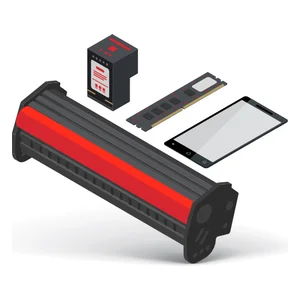 | RT10, RAM, BASE, SIZE ́D ́ 2.25 ́ BALL, 3.625 ́ SQUARE BASE PLATE with 75mm X 75mm VESA hole pattern. | RT10-MNT-RAM | Original price was: $111.00.$94.00Current price is: $94.00. |
| RAM, BASE, SIZE ́D ́ 2.5 ́ Ball, RAIL CLAMP for 2.50 ́ WID | VX89A031RAMBALL | Original price was: $141.00.$120.00Current price is: $120.00. |
| RAM, ARM, SIZE ́D ́ SOCKETS, SHORT 5 ́ LENGTH | VX89A502RAMARM | Original price was: $165.00.$140.00Current price is: $140.00. |
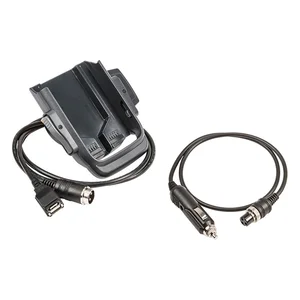 | RAM, BASE, SIZE ́D ́ Ball, 4.75 ́ Square Base Plate w/ 100x100mm VESA hole pattern | VX89A032RAMBALL | Original price was: $165.00.$141.00Current price is: $141.00. |
| RAM, ARM, SIZE ́D ́ SOCKETS, MEDIUM 8.5 ́ LENGTH | VX89A501RAMARM | Original price was: $230.00.$196.00Current price is: $196.00. |
| RAM, ARM, SIZE ́D ́ SOCKETS, LONG 13 ́ LENGTH | VX89A503RAMARM | Original price was: $377.00.$320.00Current price is: $320.00. |
Mounts and Brackets (6)
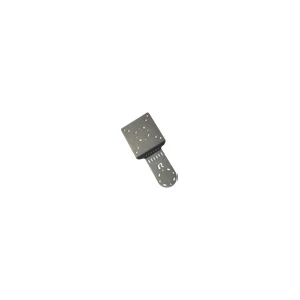
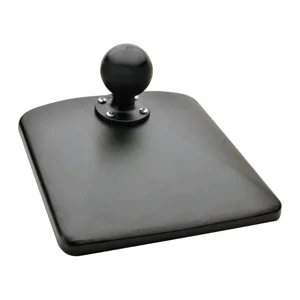
Power Supplies and Cords (5)
| Image | Name | SKU | Price |
|---|---|---|---|
| RT710 Converts 3-pin terminal block on RT10-VC & RT10-VD to 6-pin ignition cable used with RT710-VD-VS1 | RT710-3PN-PWRCVRT | $56.00 | |
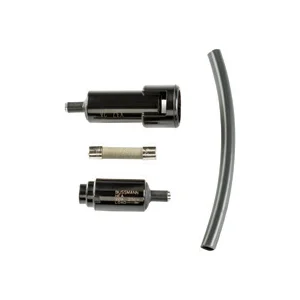 | VM1, VM2, VM3 IN-LINE FUSE KIT | VM3055FUSE | Original price was: $85.00.$73.00Current price is: $73.00. |
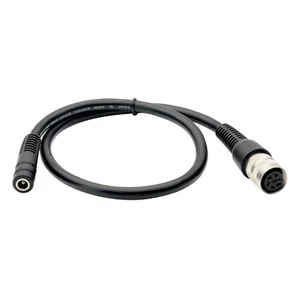 | POWER CABLE ADAPTER FOR AC POWER SUPPLY, required for VM1301PWRSPLY or VM1302PWRSPLY | VM1078CABLE | Original price was: $143.00.$122.00Current price is: $122.00. |
| PRERELEASE RT710 Converts Zebra VMC power cable to HON ignition cable. | RT710-CONV-CABLE | $127.00 | |
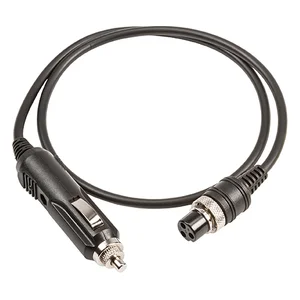 | RT710, VM1, VM2, VM3, VM3A DC POWER CABLE (SPARE) WITH IN-LINE FUSE KIT | VM3054CABLE | Original price was: $261.00.$222.00Current price is: $222.00. |
Vehicle Cradles and Chargers (5)
| Image | Name | SKU | Price |
|---|---|---|---|
| RT710 Keyboard 1-row | RT710-VD-KB1 | $123.00 | |
| RT710 Keyboard 2-row | RT710-VD-KB2 | $152.00 | |
| RT710 Keyboard 4-row | RT710-VD-KB4 | $241.00 | |
| RT710 Vehicle Dock w/Integrated Speakers; Accessory Keyboard Required; Compatible w/Thor Smart Docks | RT710-VD-TH1 | $800.00 | |
| RT710 Vehicle Dock w/Integrated Speakers; Accessory Keyboard Required; I/O Ports: (2)RS232 Serial, DB9F USB, (2)USB-A, RJ45, (3)RF Antenna SMA, RJ45; 75x75 VESA pattern mounting holes | RT710-VD-VS1 | $1,150.00 |
Other (3)
| Image | Name | SKU | Price |
|---|---|---|---|
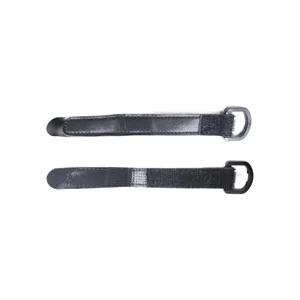 | EDA10A D-clips, 2pcs/kit | EDA10A-DCLIP-1PK | Original price was: $31.00.$26.00Current price is: $26.00. |
| RT710 Cable, Type USB-C to HDMI; For use with RT710-DD | USBC-2-HDMI | $56.00 | |
| RT710 Screen Protector; 1-PK | RT710-SP-1 | $67.00 |