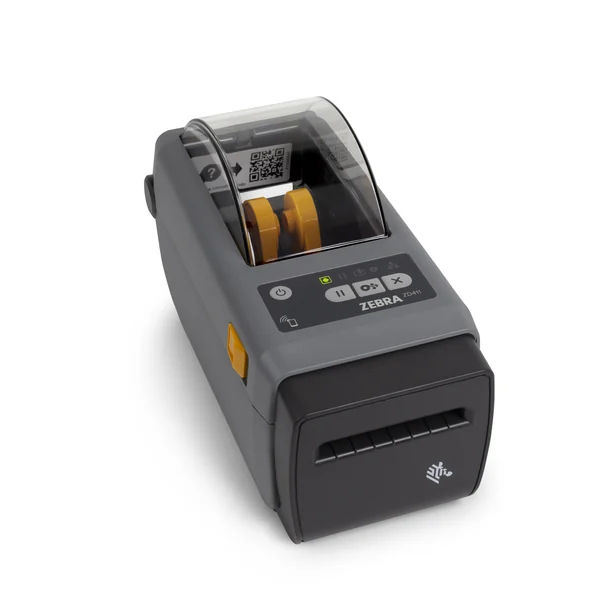
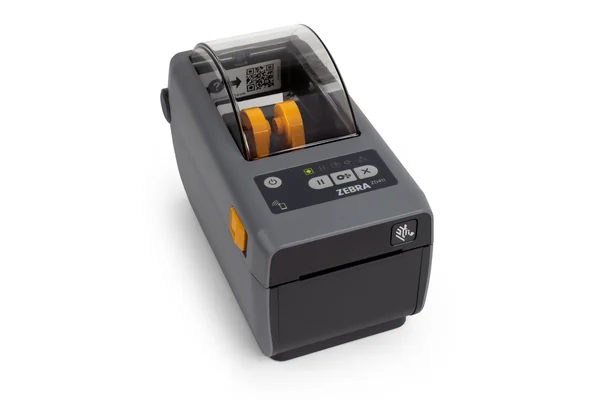
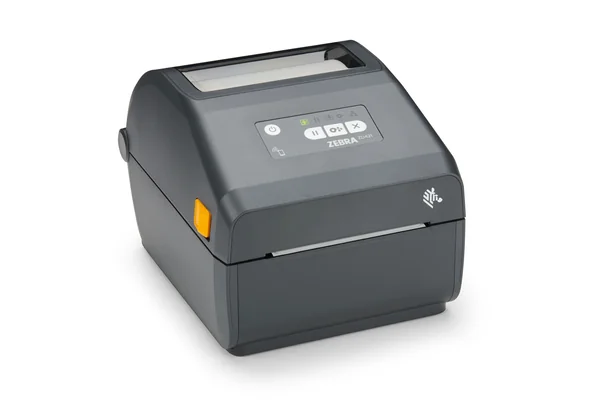
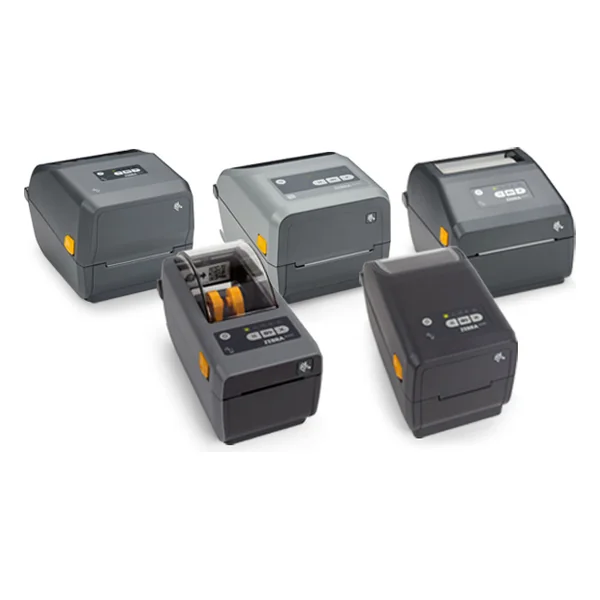
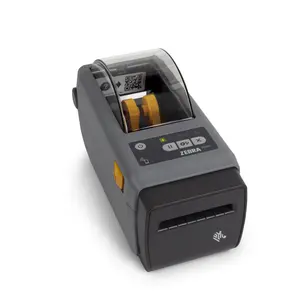
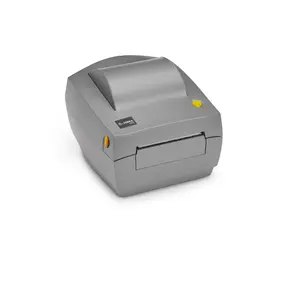
ZEBRA CONFIDENTIAL INTERNAL USE ONLY ZD410 FREQUENTLY ASKED QUESTIONS GENERAL FAQS WHAT IS THE ZD410? The ZD410 is Zebra’s new Link-OS enabled 2-inch direct thermal desktop printer, with new features that address key user pain points, meet the needs of today’s market and put the ZD410 at the forefront of its class. This replacement for the LP2824 Plus offers a mid-tier “better” feature set that provides our customers with superior value by raising the bar for the feature set in compact 2 inch label printers — without increasing the price of the printer. WHAT ARE THE KEY CUSTOMER BENEFIT MESSAGES OF THE ZD410?
Easier for workers to use and IT to manage — users can instantly identify and rectify printer issues, such as a lost network connection or out of media, while IT can manage all printers remotely through an easy to use web-based interface. Easier deployment, offering all the connection options you could ever need and a small form factor that you can fit on the most space constrained desktops and shelves or mount on a wall. Faster and higher resolution printing for improved workforce productivity, increased application flexibility and a faster return on investment. Field-installable connectivity and media handling options allow you to customize the printer to meet your needs today and tomorrow, eliminating the need to send the printer to a service depot — maximizing printer availability and uptime. All the latest features and technologies — at no extra cost.
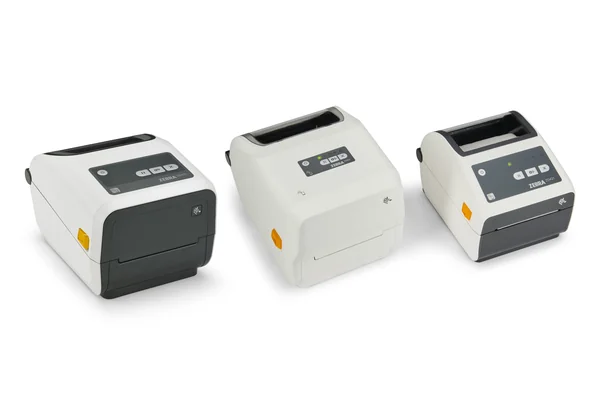
WHAT ARE THE TARGET MARKETS AND APPLICATIONS FOR THE ZD410? To facilitate easy migration from legacy printers or upgrade from competitive models to the ZD410, this document describes ZD410 printer benefits, target applications, features and outlines several setup and operational considerations. MARKET APPLICATIONS Retail Return tags Shelf labelling Price labels and tags Retail pharmacy Healthcare Prescription labels Laboratory and specimen labels Patient records ARE THERE MODELS OF THE ZD410 DESIGNED FOR SPECIFIC MARKETS? Yes, there are two models to meet the needs of two different markets: the standard model and healthcare version. The healthcare model includes an IEC 60601-1 certified medical grade power supply and a plastic shell that can be wiped down with disinfectants to destroy germs and bacteria. The high resolution 300 dpi printing option (available in both models) opens new sales opportunities in healthcare, where many small labels are required for prescriptions and specimen vials. ZEBRA TECHNOLOGIES 2 ZEBRA CONFIDENTIAL INTERNAL USE ONLY ZD410 FREQUENTLY ASKED QUESTIONS HOW DO THE FEATURES OF THE ZD410 COMPARE TO THE LP2824 PLUS?
The ZD410 is the first Link-OS ultra-compact printer (2 inch) and offers increased print speed, throughput, integration and connectivity in a design that will be familiar to existing users. In addition, the ZD410 offers many field upgradable/installable options. The LP2824 Plus does not offer any field upgradable options. WHAT PRODUCTS DOES THE ZD410 DESKTOP PRINTER REPLACE?
Its Link-OS Virtual Device feature emulates many competitor print languages which facilitate replacement of competitive models including the Intermec PC23d, Sato GC208, and TSC TDP-225.
ARE THE ZD410 PRINTERS COMPATIBLE WITH OTHER ZEBRA PRINTERS?
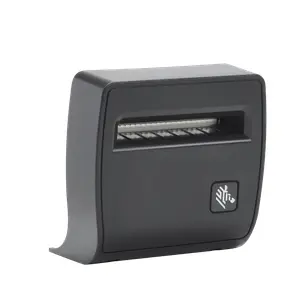
CAN I ADD A PEEL OR CUTTER TO A ZD410 DESKTOP PRINTER?
It not intended to cut through adhesive and should not be used with linerless labels.
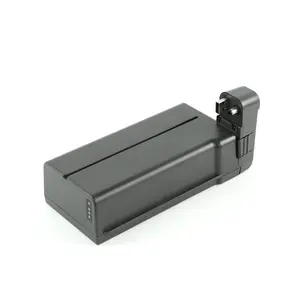
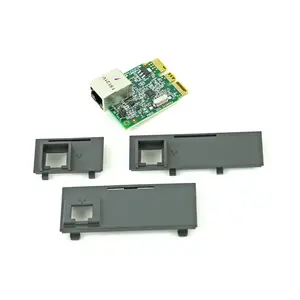
The ZD410 printer comes standard with USB Host and USB. In addition, we offer a factory-installed dual wireless option which includes both Wi-Fi certified 802.11ac and MFi approved (compatible with Apple iOS devices) Bluetooth 4.1. WHAT OPTIONS AND ACCESSORIES ARE AVAILABLE FOR THE ZD410? Media handling, connectivity and mounting brackets are some of the items available; however, for a complete list of available ZD410 options and accessories, please consult the price catalogue.
Maximum Print Speed 4 ips 6 ips Print Resolution 203 dpi 203 dpi or 300 dpi Standard Connectivity USB, Serial, Parallel USB, USB Host Field Installable Connectivity None Serial, Ethernet Factory Installed Connectivity Ethernet Dual Wireless; 802.11 ac, Bluetooth 4.1 , Ethernet Media Handling Options Factory installed peeler or cutter Field installable peeler or cutter Media Sensors Fixed transmissive and reflective Full width reflective and multi-position transmissive ZEBRA TECHNOLOGIES 3 ZEBRA CONFIDENTIAL INTERNAL USE ONLY ZD410 FREQUENTLY ASKED QUESTIONS MY CUSTOMER LIKES THE ZD410.
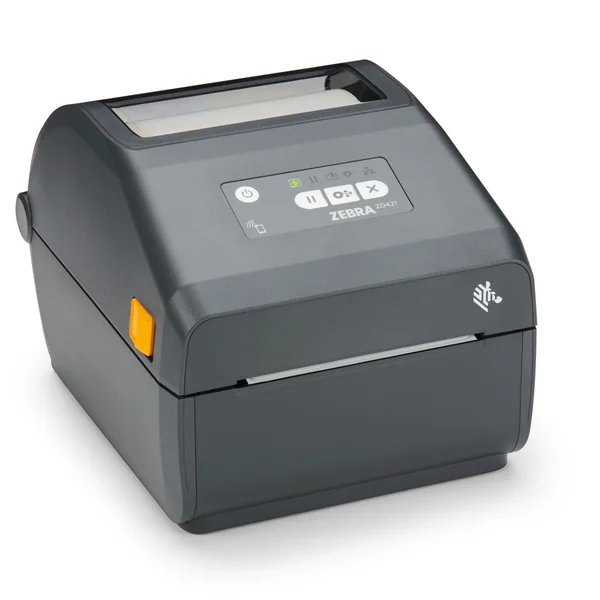
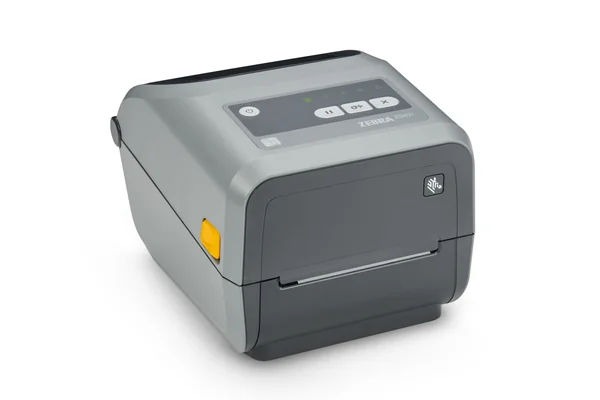
No, the new ZD410 is only available as a direct thermal printer. LP2824 Plus will continue to be available whenever 2 inch thermal transfer printing is required. Alternatively, the 4 inch ZD420 thermal transfer cartridge printer (launching Q1’16) offers a very similar user experience to the ZD410. MY 28-SERIES/G-SERIES ONLY HAD A SINGLE LED BUTTON.
The control panel combines three function buttons; Pause, Feed and Cancel, which can be used to initiate various setup, calibration and diagnostic routines at start-up or during printer power-on. WHAT ARE THE ICONS ON THE CONTROL PANEL? The five status icons relate to the printer’s operating behavior in respect of its general print condition, data handling, supplies usage and network connection(s).
ZD410 printers have a moveable sensor as standard. WHAT IS THE DIP SWITCH ON THE REAR OF THE PRINTER? This is the Darkness Control Switch which allows for the operator to modify the darkness setting (adding up to 6 ZPL darkness levels) without modifying the program or driver settings. This allows the user to adjust the printer for minor variations in the supplies being used. HOW MUCH MEMORY IS STANDARD ON THE ZD410 PRINTERS?