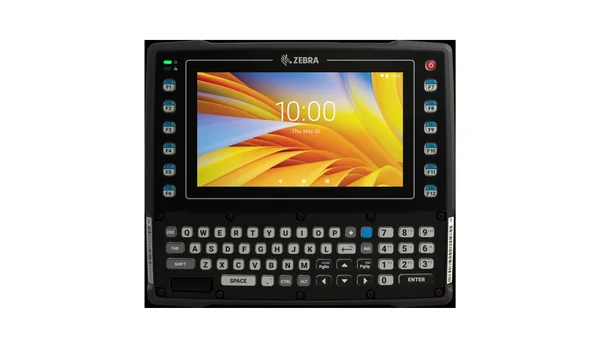
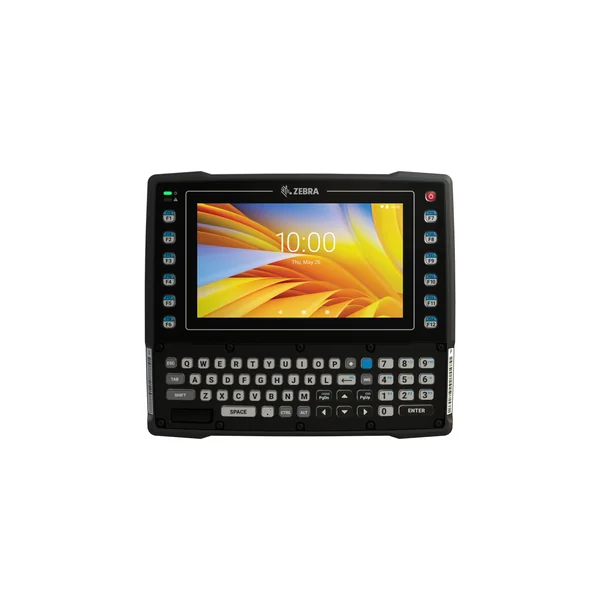
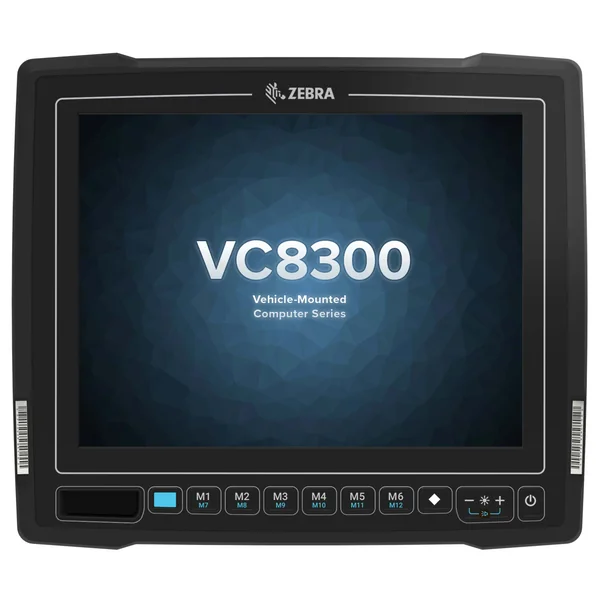
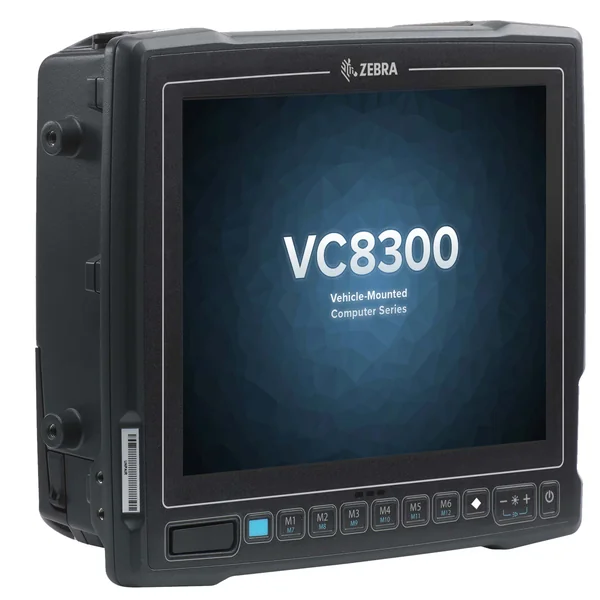
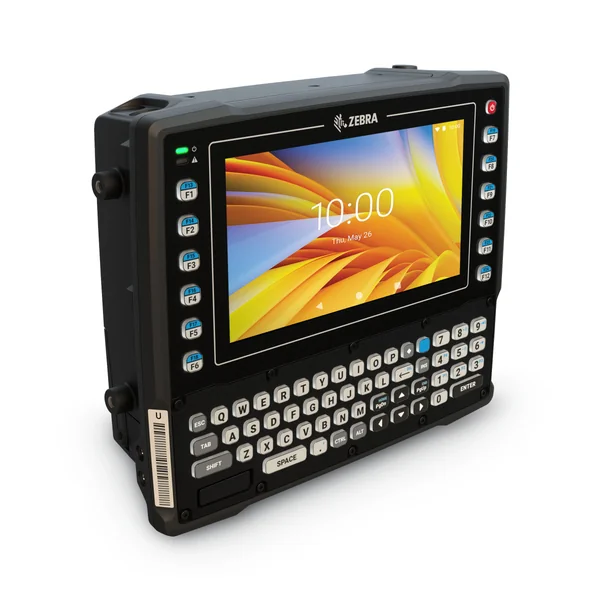
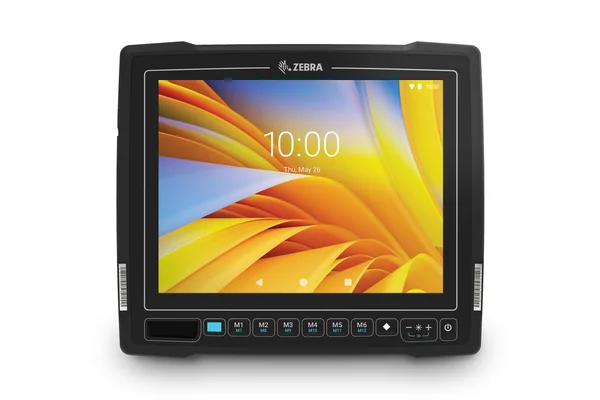
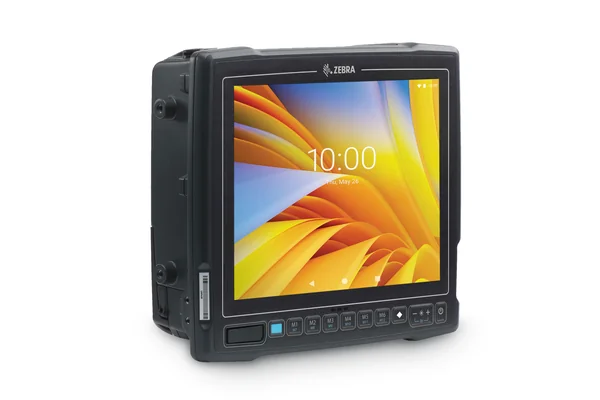
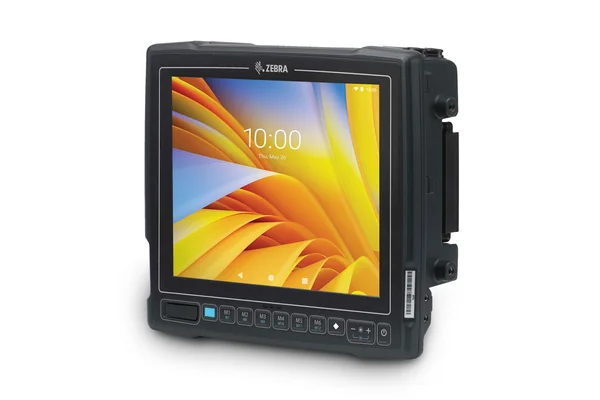
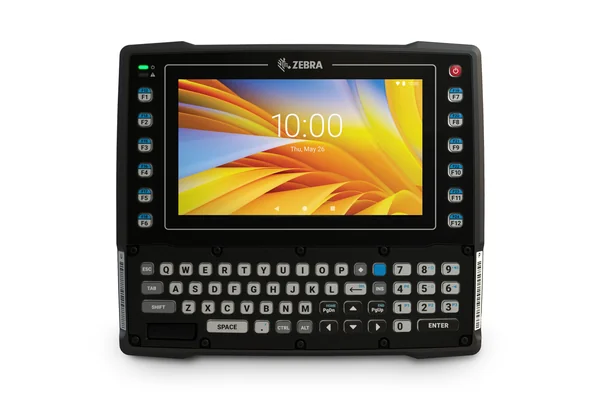
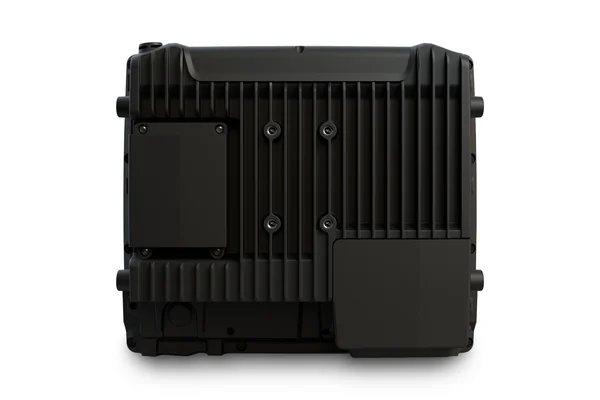
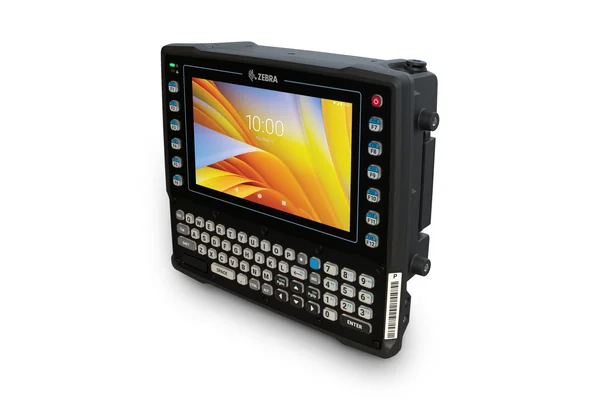
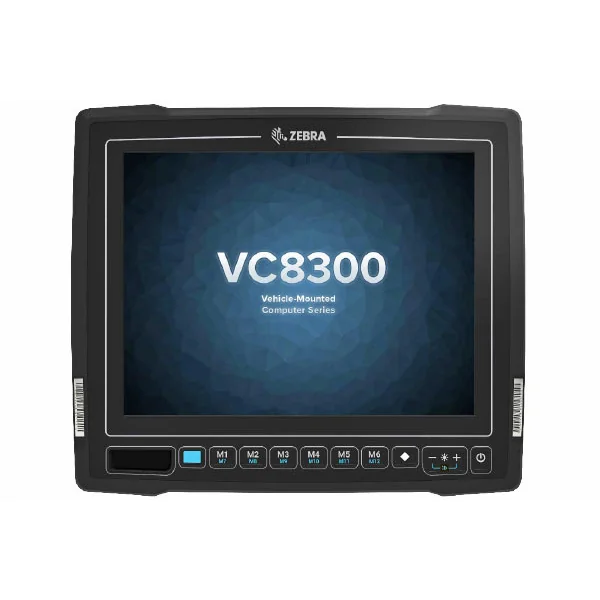
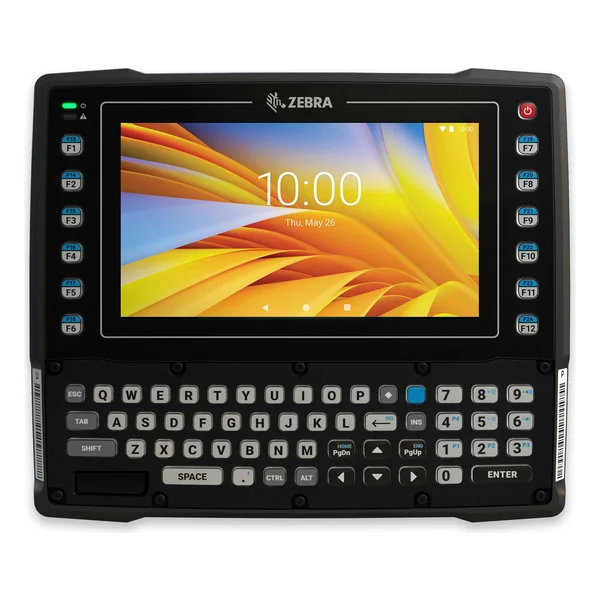
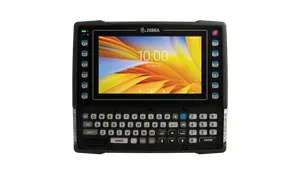
VC8300 Vehicle Mount Computer The ultimate ultra-rugged Android TM keyboard/touch vehicle mount computer Since your Windows-based vehicle mount mobile computers are near their end-of-life and support for Windows-based mobile devices is ending, you’re ready to migrate to AndroidTM. You need a rugged device that will make that migration and device management simple, easy and cost-effective.
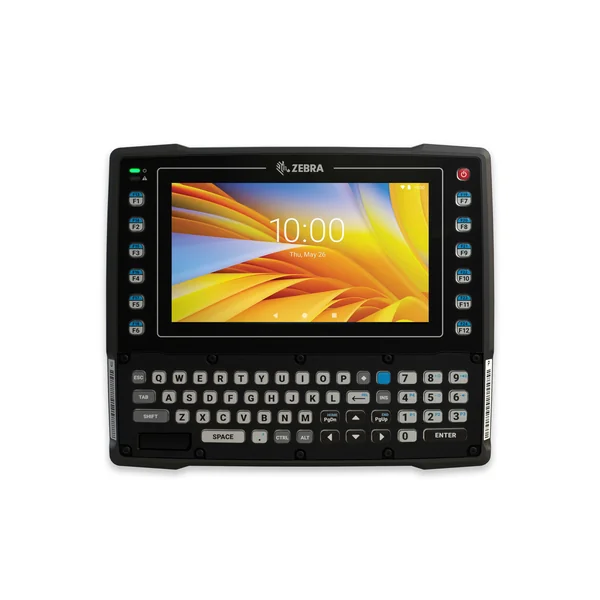
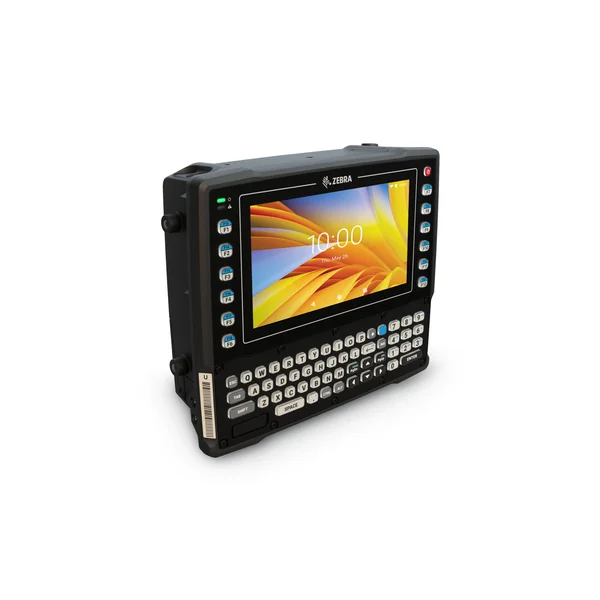
Designed for the most extreme environments, the VC8300 can go everywhere your vehicle operators need to go—inside the warehouse, out in the yard, on the loading dock and even in the freezer. Run your existing ‘green screen’ apps right out of the box—no ramp-up time required. Re-use all of your existing accessories¹, minimizing the cost to upgrade to the latest technology. Replacement couldn’t be easier—just drop it in place and you’re ready to go. With Mobility DNA, only from Zebra, you get powerful features that transform Android into an easy-to-manage robust enterprise-class OS, complete with unique tools that not only boost workforce productivity, but also simplify deployment and application development. And since the same platform is shared with Zebra’s rugged handheld and wearable mobile devices, virtually any worker can use any device with practically no training, providing the flexibility to deploy and re-deploy workers to address changing workloads. The Ultimate in Android Migration Simplicity Run Your Terminal Emulation (TE) Apps, Right Out of the Box Since Ivanti Velocity is pre-loaded and pre-licensed, you can run your TE apps right out of the box—no backend modification or user training required. The Best of Both Worlds: Large Touchscreen and Keyboard When it comes to data input, the VC8300 offers complete flexibility. The integrated full alphanumeric keyboard gives your workers the same familiar key-based interaction they use today—no change to workflow required. And the touchscreen allows you to integrate touch into your apps whenever you’re ready. Automatically Migrate Your TE Apps to Interactive Android Apps When you’re ready to transform your TE key-based apps to Android interactive apps, All-touch TE makes it easy. With this pre-loaded Zebra-only Mobility DNA application, just press a button to change TE ‘green screens’ to fully interactive Android screens that can be easily customized with All-touch TE tools—all without any coding. The Ultimate Android Platform for Business Easy Viewing Indoors or Outside The 8-inch display provides plenty of space for graphics-intensive, interactive applications, while best-in-class display resolution and brightness ensure easy viewing in any lighting condition. And the capacitive touch screen is easy to use, even with gloves. Maximum Power for Maximum Application Performance Get all the power you need to ensure superior performance with the ultra-powerful 8-core processor, plus up to eight times the RAM and 32 times the Flash memory of prior generation devices. And memory lasts 10 times longer through an advanced memory architecture. A Lifetime Security Guard for Android With LifeGuardTM for AndroidTM, you get the security updates you need to keep your Zebra Android devices secure every day they are in service—along with easy end-to-end control of the OS update process, plus support for future versions of Android. The VC8300—keep the keyboard, migrate to Android and meet increasing demands in the warehouse.
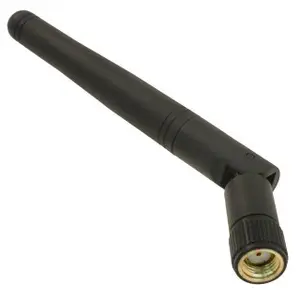
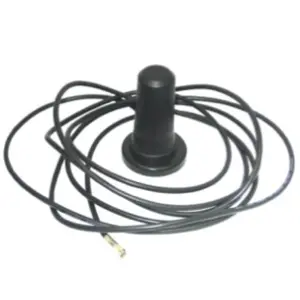
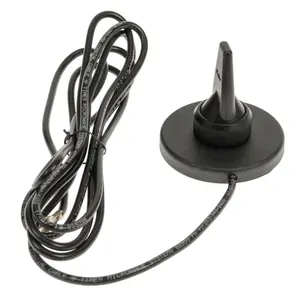
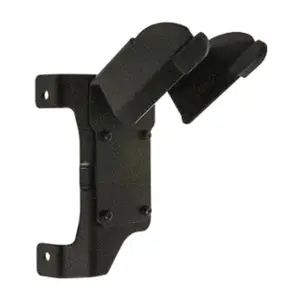
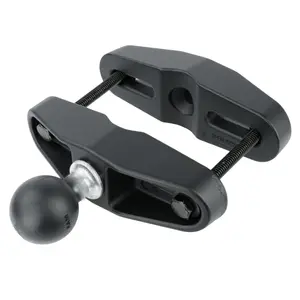
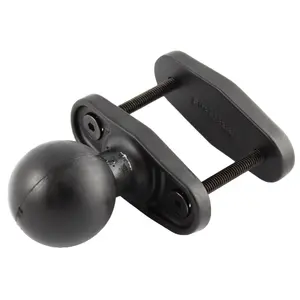
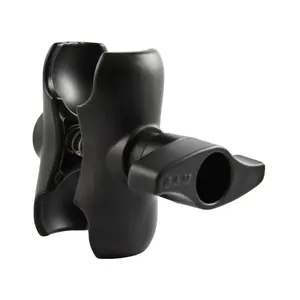
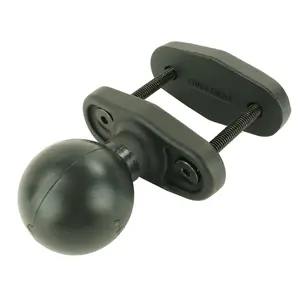
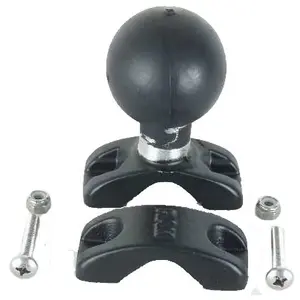
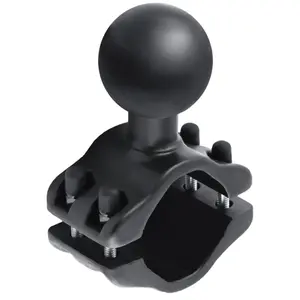
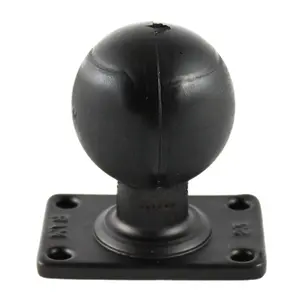
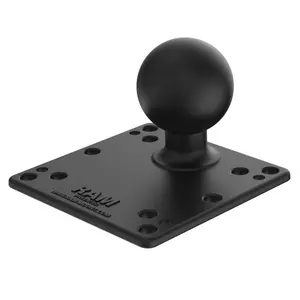
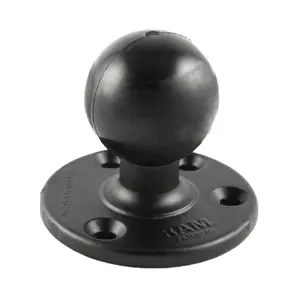
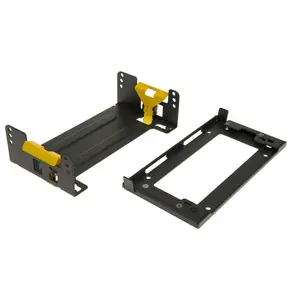
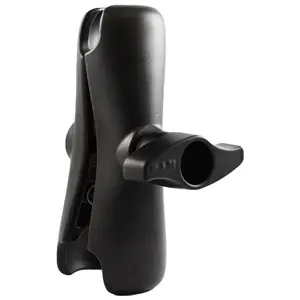
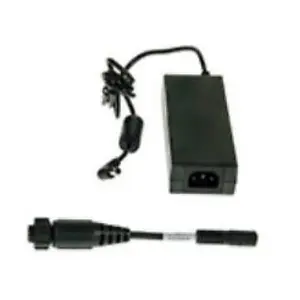
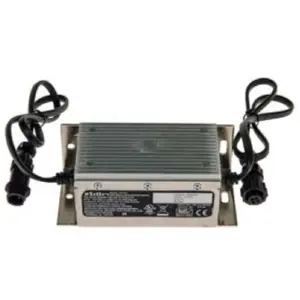
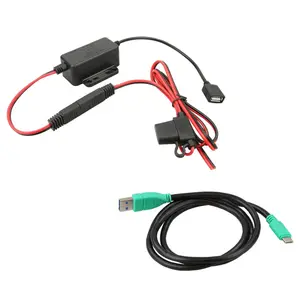
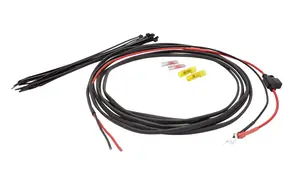
Dependably Superior WiFi Connections Advanced WiFi technologies extend WiFi range, increase WiFi speed and strengthen WiFi connections, providing on-the-move workers with constant application availability and near-instant application response times. Features include 2×2 Multiple-User Multiple Input Multiple Output (MU-MIMO), WorryFree WiFi—a free Mobility DNA tool and software-switchable internal or external antennas. Bluetooth 5.0—Twice the Speed and Four Times the Range with Less Power When it comes to the performance of your Bluetooth peripherals, you can expect the best from your cordless scanners, headsets and printers. Easy Data Entry for Unusual Non-Standard Characters Just press the Diamond key to pop up a configurable on-screen keyboard for fast data entry of virtually any character. Backwards Compatible for a Cost-Effective Upgrade Since you can use the same mounts, accessories and applications you have today for your existing Zebra vehicle mount computers, you to cost-effectively migrate to the latest technology platform to increase fulfillment speed and accuracy. The Ultimate Ultra-Rugged Design Built for Extreme Environments The VC8300 is ready for your toughest environments, with dust- and-water tight IP66 sealing, sealed connectors, and extreme temperature, shock and vibration testing. Freezer-Ready for the Coldest Supply Chains With the VC8300, you get true frost and condensation free operation in freezers with touchscreen and internal heaters that keep the display and sensitive electronic components warm, smart temperature sensors that automatically control the heaters and heating speed, an elastomeric keyboard that works despite icing and more. Easy to Hear in Your Loudest Environments The very loud front-facing speaker makes it easy to hear scanner feedback and app notifications. The Ultimate in Flexibility Mount in Virtually Any Material Handling Vehicle Multiple mounting options, including standard RAM mounts and a 10-second quick release mount, plus a compact size make mounting easy, even in the smallest vehicles. Add Barcode Scanning, Voice and More Easily add whatever features your workers need, including a wide range of cordless and corded barcode scanners, mobile printers and a Push-to-Talk microphone. And with a quick scan of the pairing barcode printed directly on the VC8300, workers can instantly pair any Zebra Bluetooth peripheral. Repairable, Right on the Spot Replace the one element that is most vulnerable to damage in minutes, right in your facility—the keyboard—as well as the UPS battery.