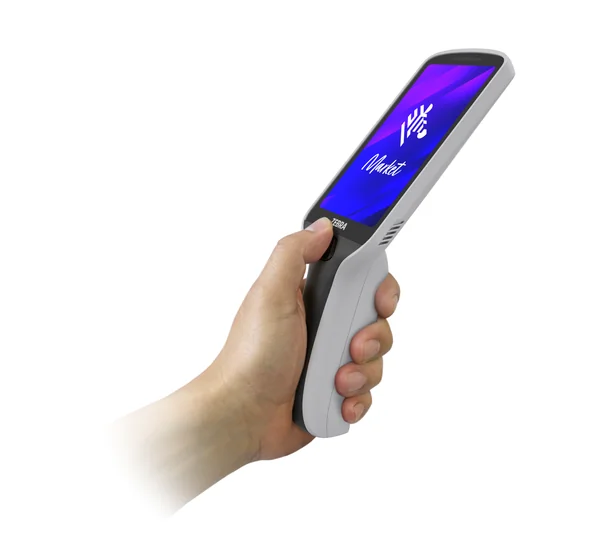
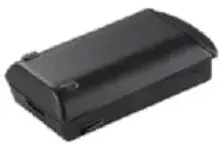
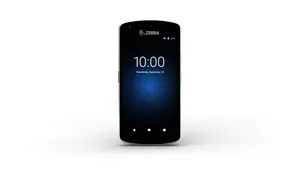
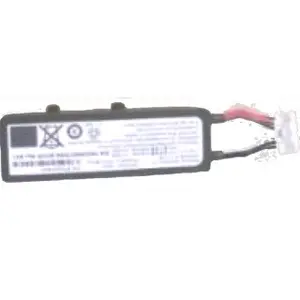
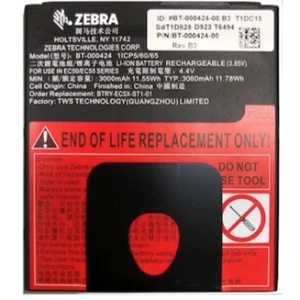
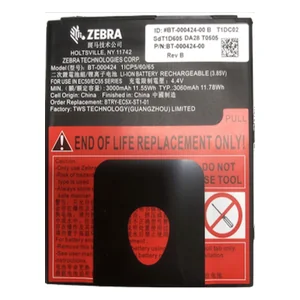
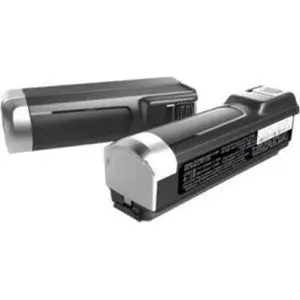
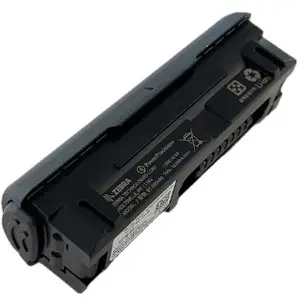
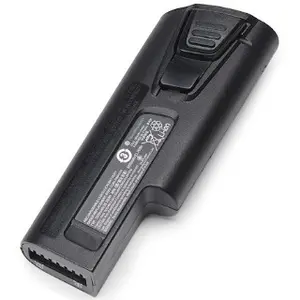
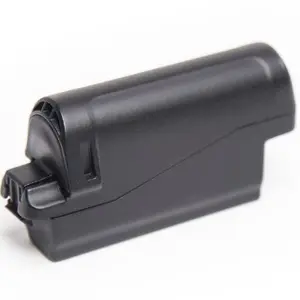
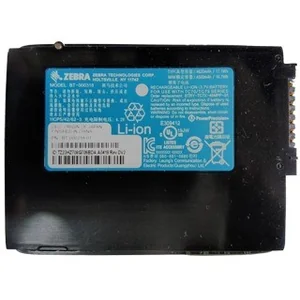
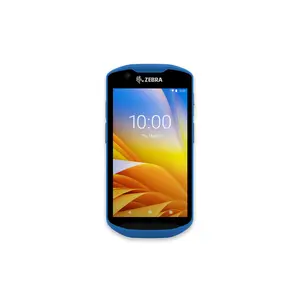
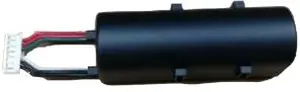
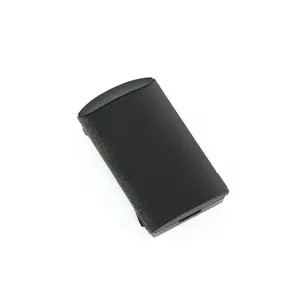
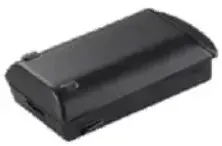
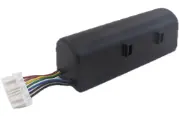
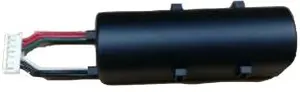
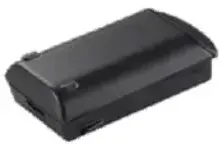
Every minute of the workday, your workers count on their Zebra Android mobile computers to get more done in less time. As the batteries in your mobile computers age, they will no longer be able to power a full shift.
Workers need to spend time locating and changing batteries instead of on task, reducing productivity. But without visibility into battery health, you can’t manage what you can’t see — until now. Introducing PowerPrecision Console, a free Zebra Mobility DNA solution that provides all the information you need to identify and remove aging batteries from your battery pool before they impact workforce productivity.
And a smaller battery pool to purchase and manage. Prevent aging mobile computer batteries from reducing your workforce productivity with PowerPrecision Console. PowerPrecision Console PREVENT AGING BATTERIES FROM REDUCING WORKER PRODUCTIVITY FACT SHEET MOBILITY DNA: POWERPRECISION CONSOLE Up and running in a day Support all the PowerPrecision+ batteries in your Zebra mobile devices You get visibility into state of health of all the PowerPrecision+* batteries in your Zebra mobile computers, allowing you to control the health of the batteries in your battery pool. Easy to deploy Just activate the PowerPrecision Console client software on your Zebra mobile devices to collect battery health information and install the PowerPrecision Console app on any existing server to view that battery information in your dashboard. Both the client and server applications are available as part of your Zebra OneCare contract — there are no licenses to purchase. The client is pre-installed and ready to use on new Zebra devices. And you can download the applications through your Zebra Support Portal or the Google Play Store for supported Zebra legacy devices. So easy, anyone can use it Intuitive dashboard — no expertise required The simple dashboard design enables virtually anyone in your organization to monitor battery health — no IT or technical expertise is required. The stoplight-style green/yellow/red indicators make it easy to identify unhealthy batteries that need to be removed from the battery pool. You can view the status of all batteries in all of your devices or only batteries in a specific device type. And with anytime, anywhere dashboard access, local facility personnel on site or IT administrators in a remote office can manage battery health.
EOL: no longer able to hold ample power to remain in service and ready to discard One-click drill-down into detailed battery data Just click on any battery to view a wealth of information, including battery health details, the battery analytics history, the date of manufacture, serial number and more. Full control over timely action Automatically notify workers to take action You can send a customized notification to direct users to remove and discard batteries that have been identified as unhealthy. The message will instantly appear in a pop-up window, on top of whatever screen is displayed on the mobile device. You can choose to send a message to an individual user — or simultaneously send a message to any size group of devices that you select. Ensure action is taken on time, every time Configurable pop-up message windows for device end-users allow you to control message window behavior to ensure batteries are swapped before power is lost, preventing unnecessary downtime. The message window can remain on screen and prevent access to any device applications or functions until the battery is swapped — or you can provide a ‘snooze’ button to give users a chance to complete a task prior to swapping batteries. Programmable snooze parameters allow you to choose how many times to enable snoozing and the length of time before the message reappears. PowerPrecision Console provides all relevant information on the installed device battery required to identify and remove unhealthy batteries from the battery pool. Information is available on the mobile device and on the dashboard that can be accessed by virtually any device — desktop or laptop computer, tablet and more.
You can allow users to ‘snooze’ the alert to swap the battery at a later time or require workers to complete the requested action in order to resume using the device.
NA and Corporate Headquarters +1 800 423 0442 inquiry4@zebra.com Asia-Pacific Headquarters +65 6858 0722 contact.apac@zebra.com EMEA Headquarters zebra.com/locations contact.emea@zebra.com Latin America Headquarters +1 847 955 2283 la.contactme@zebra.com Prevent aging mobile computer batteries from reducing your workforce productivity with PowerPrecision Console. For more information, visit www.zebra.com/powerprecisionconsole ©2018 ZIH Corp and/or its affiliates.