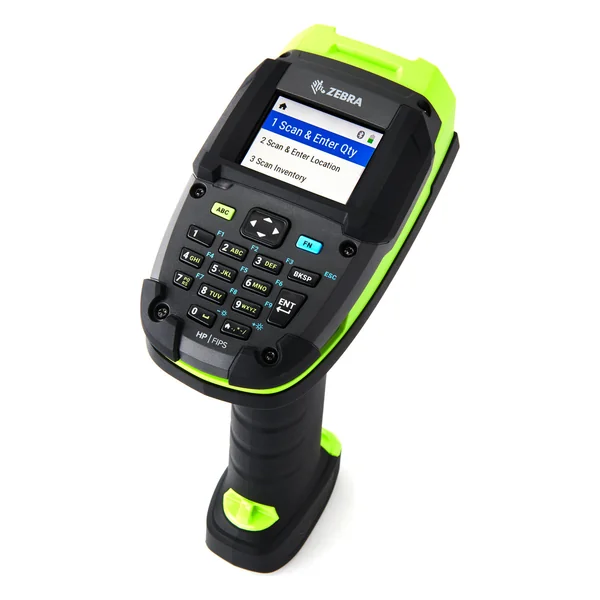
Batteries (1)
| Image | Name | SKU | Price |
|---|---|---|---|
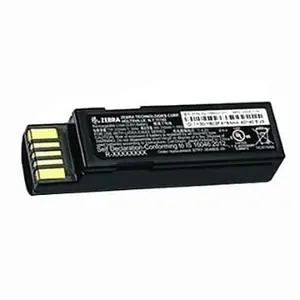 | DS3600 Series, LS3600 Series, LI3600 Series | BTRY-36IAB0E-00 | $120.00 |
Battery Chargers (3)
| Image | Name | SKU | Price |
|---|---|---|---|
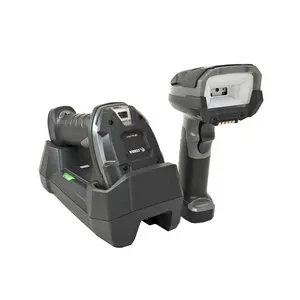 | UBC2000 Adapter - DS/LS3 x 78 | 21-32665-46R | $248.00 |
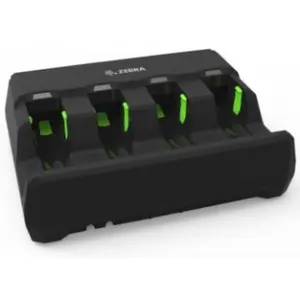 | 4 SLOT BATTERY CHARGER FOR 3600 SERIES BATTERY, POWER SUPPLY & AC LINE CORD ORDERED SEPARATELY | SAC3600-4001CR | $467.00 |
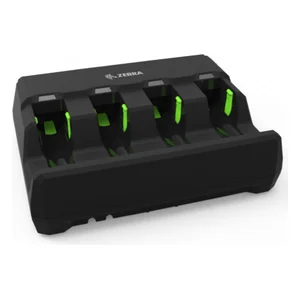 | 3600 Battery Charger Kit: Includes 4 Slot Charger SAC3600-4001CR, Power Supply PWR-BGA12V50W0WW, DC Line Cord CBL-DC-375A1-01 and AC Line Cord 23844-00-00R | SAC3600-KIT | $592.00 |
Cradles (2)
| Image | Name | SKU | Price |
|---|---|---|---|
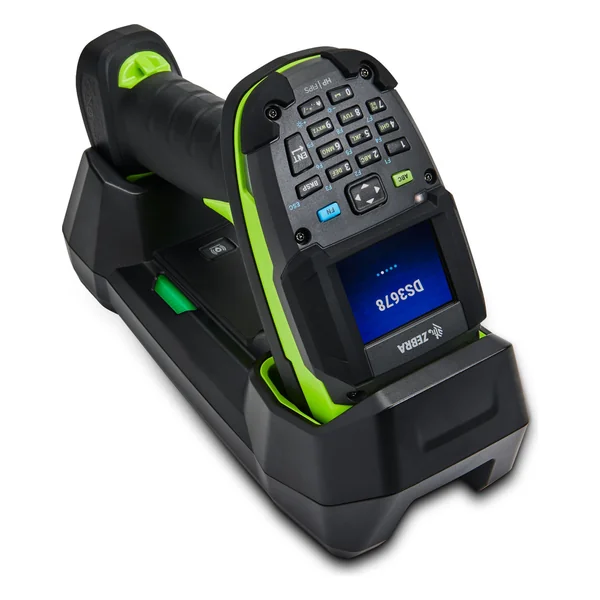
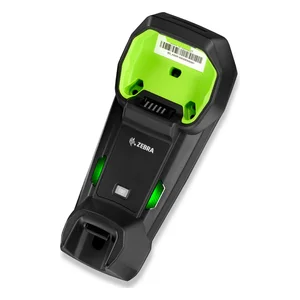 | Standard Cradle for 3678 Family, Charger, BlueTooth and Multi Interface | STB3678-C100F3WW | $419.00 |
| Sealed Forklift Cradle for 3678 Family, Charger, BlueTooth and Multi Interface, IP65 Sealed. Forklift. Mounting Bracket BRKT-MM0036W-00 Ordered Separately | FLB3678-C100F3WW | $515.00 |
Cups (1)
| Image | Name | SKU | Price |
|---|---|---|---|
 | Industrial Scanner Cup, RAM, Power-Grip Industrial Scanner Holder | RAP-396U | $61.00 |
Mounts and Brackets (2)
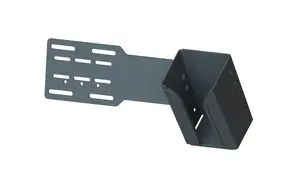
Mounts, Brackets and Plates (1)
| Image | Name | SKU | Price |
|---|---|---|---|
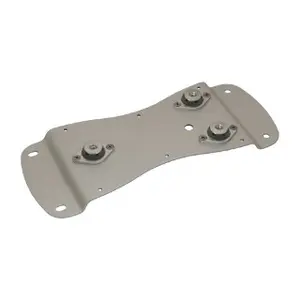
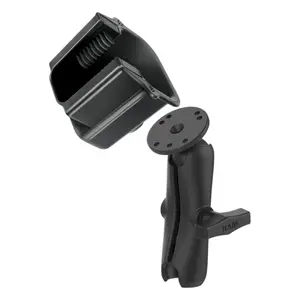 | Ram Mount Industrial Scanner Kit - Includes 1x RAP-396U, 1x RAM-201U and 2x RAM-202U | MNT-RAM-INDSC | $201.00 |
Power Supplies (3)
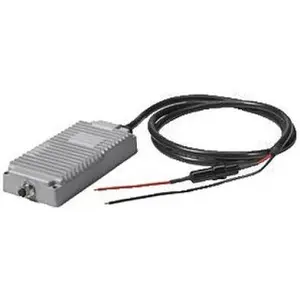
Power/Line Cords (4)
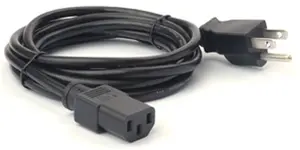
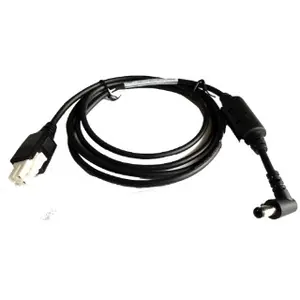
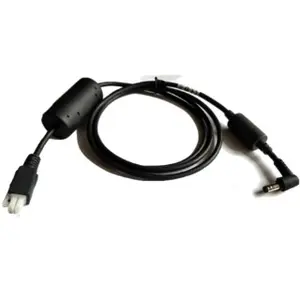
Serial/RS232 Cables (7)
| Image | Name | SKU | Price |
|---|---|---|---|
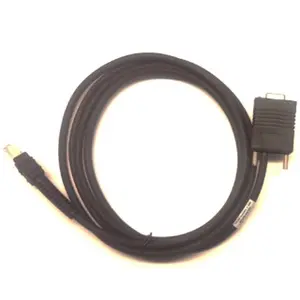 | Cable - RS232: DB9 Female Connector, 7ft. (2.1m) Straight, TxD on 2 Requires 12V Power Supply | CBA-R07-S07PAR | $70.00 |
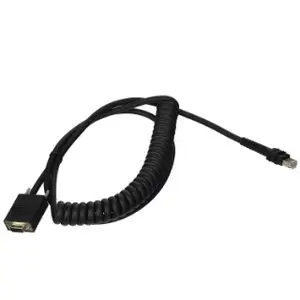 | Cable - RS232: DB9 Female Connector, 9ft. (2.8m) Coiled, Power Pin 9, -30°C | CBA-RF2-C09ZAR | $96.00 |
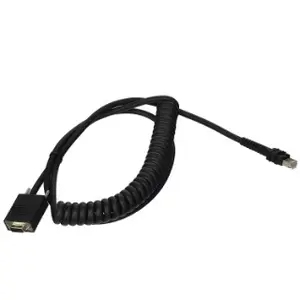 | Cable - RS232: DB9 Female Connector, 9ft. (2.8m) Coiled, TxD on 2, 12V Requires 12V Power Supply, Low Temp -30°C | CBA-RF1-C09PAR | $105.00 |
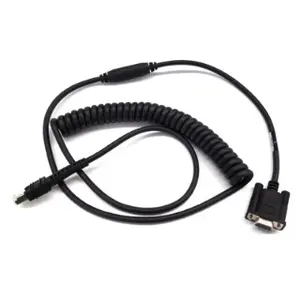 | Cable - RS232: DB9 Female Connector, 9ft. (2.8m) Coiled, Power Pin 9, TxD on 2, True Converter, -30°C | CBA-RF3-C09ZAR | $127.00 |
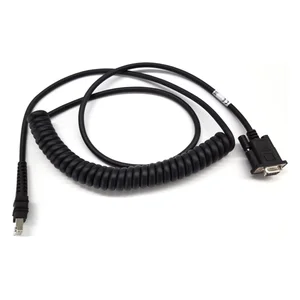 | Cable - RS232: DB9 Female Connector, 9ft. (2.8m) Coiled, Power Pin 9 | CBA-R71-C09ZAR | $134.00 |
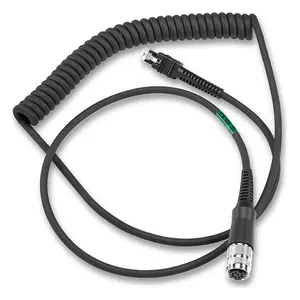 | Cable - RS232: Amphenol Threaded Circular Connector for VC5090, 9ft. (2.8m) Coiled with TTL Current Limit Protection | CBA-RF4-C09ZBR | $154.00 |
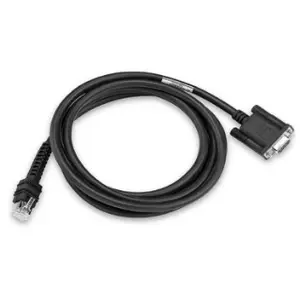 | Cable - RS232: DB9 Female Connector, 7ft. (2.1m) | CBA-RF5-S07ZAR | $155.00 |
Stands (1)
| Image | Name | SKU | Price |
|---|---|---|---|
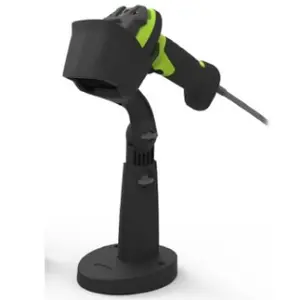 | Adjustable Intellistand - 3608 Twilight Black | STND-AS0036-07 | $120.00 |
USB Cables (10)
| Image | Name | SKU | Price |
|---|---|---|---|
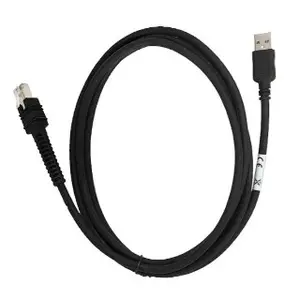 | Cable - Shielded USB: Series A Connector, 7ft. (2.1m), Straight, BC 1.2 | CBA-U46-S07ZAR | $57.00 |
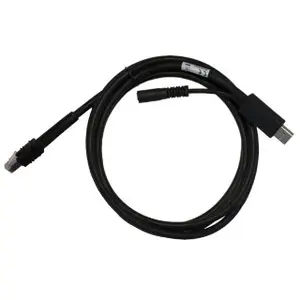 | Cable - Shielded USB: Series A Connector, 7ft. (2.1m), Straight, Supports 12V Power Supply | CBA-U42-S07PAR | $70.00 |
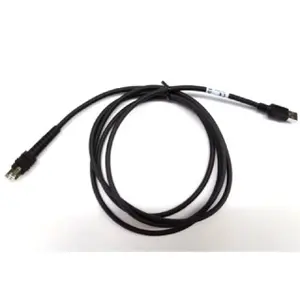 | Cable - Shielded USB: Series A Connector, 7ft. (2.1m), Straight, BC 1.2 High Current, -30°C | CBA-UF1-S07ZAR | $81.00 |
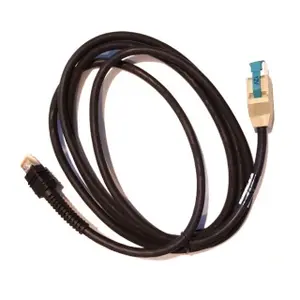 | Cable - Shielded USB: Power Plus Connector, 7ft. (2.1m), Straight, 12V | CBA-U43-S07ZAR | $87.00 |
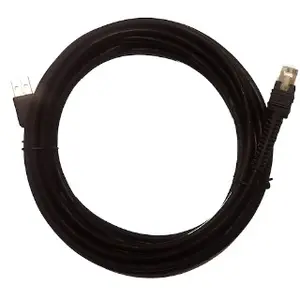 | Cable - Shielded USB: Series A Connector, 15ft. (4.6m), Straight, BC 1.2 | CBA-U47-S15ZAR | $105.00 |
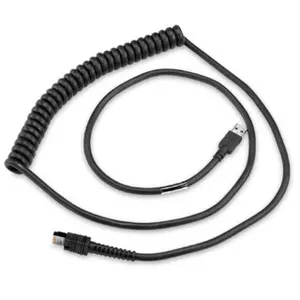 | CBAUF6C09ZAR CABLE - SHIELDED USB: SERIES A, 9', COILED, BC1.2 (HIGH CURRENT), -30C | CBA-UF6-C09ZAR | $126.00 |
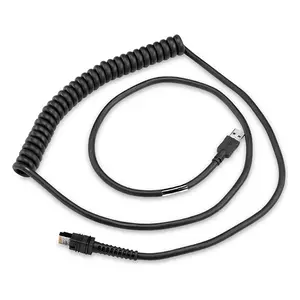 | Cable - Shielded USB: Series A Connector, 9ft. Coiled | CBA-U66-C09ZAR | $144.00 |
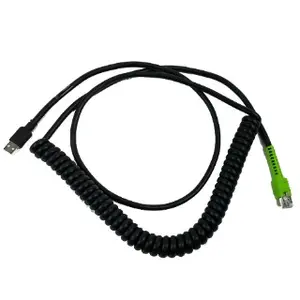 | Cable - Shielded USB: Series A, 12ft. (3.7m), Coiled, BC1.2 (High Current), -30°C | CBA-UF8-C12ZAR | $144.00 |
 | CABLE - SHIELDED USB: POWER PLUS CONNECTOR, 15FT. 4.6M, STRAIGHT, 12V | CBA-U45-S15ZAR | $172.00 |
| Cable - USB, RS232 Y Power Stealer, 9ft. (2.8m) Coiled, DS3600 to VC5090, -30°C | CBA-UF5-C09ZAR | $172.00 |