
Interface Cables (1)
| Image | Name | SKU | Price |
|---|---|---|---|
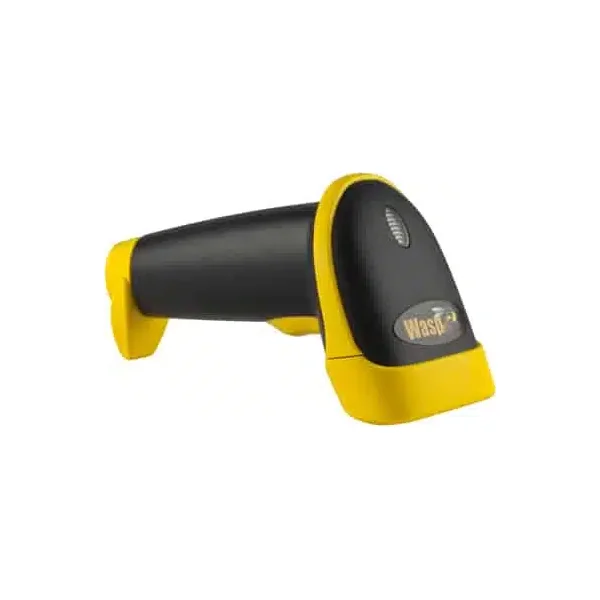
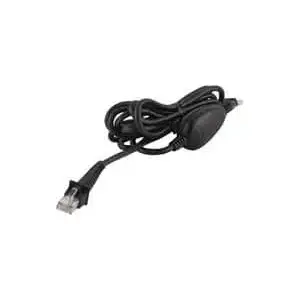 | WASP WCS3900/3905, WLR8900/8950 SERIES PS2 CABLE | 633808121228 | $30.00 |
Setup & Configuration 5 Factory Default 5 Auto-Sense Stand Mode 6 Keyboard Connection 6 Interface Selections 6 Beep Settings 7 Beep and Delay 7 Interblock Delay 8 Upper/Lower Case 9 Keyboard Language 9 Preamble/Postamble 10 Terminator 10 Label Type Positive/Negative 11 Code ID 11 Bi-color light source settings 12 Enable/Disable Barcode Symbologies 13 Code 39 Settings 14 Interleaved 2 of 5 and Code 93 settings 15 Code 128 and UCC/EAN 128 Settings 16 MSI Plessey Settings 17 Codabar Settings 18 UPC-A and UPC-A Supplement Settings 19 UPC-E and UPC-E Supplement Settings 20 EAN-8 and EAN-8 Supplement Settings 21 EAN-13 and EAN-13 Supplement Settings 22 Appendix A Barcode Test Symbols 23 Appendix B ASCII Table 25 Appendix C Function Codes for PC 29 Appendix D Technical Specifications 30 Warranty Information 31 FAQ 32 Product Support 33 Rev.
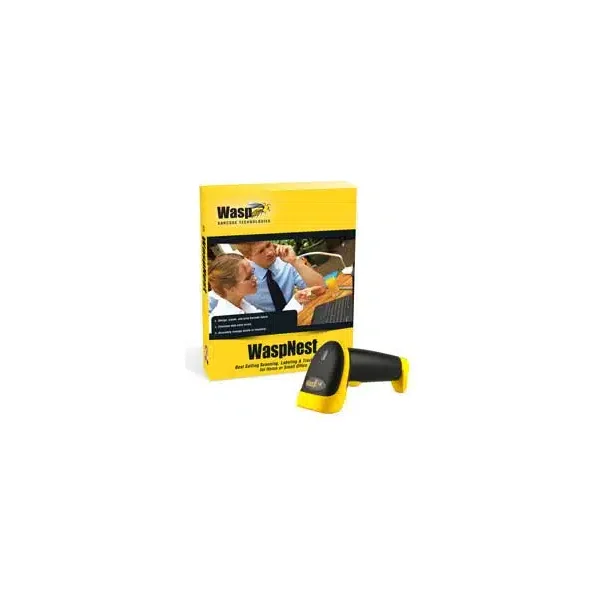
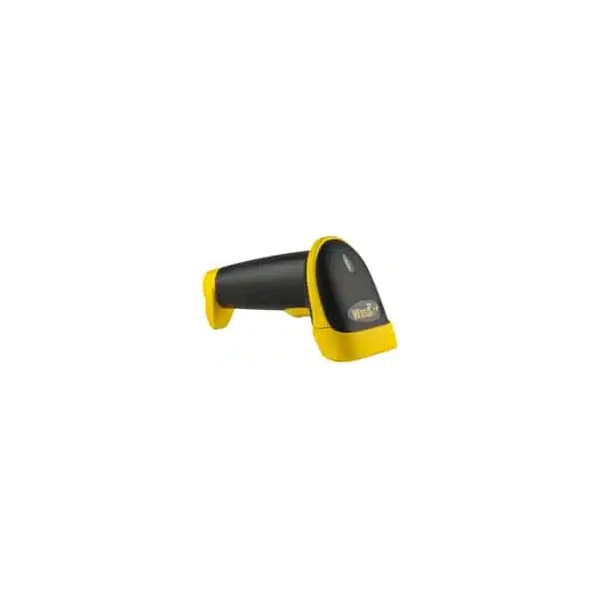
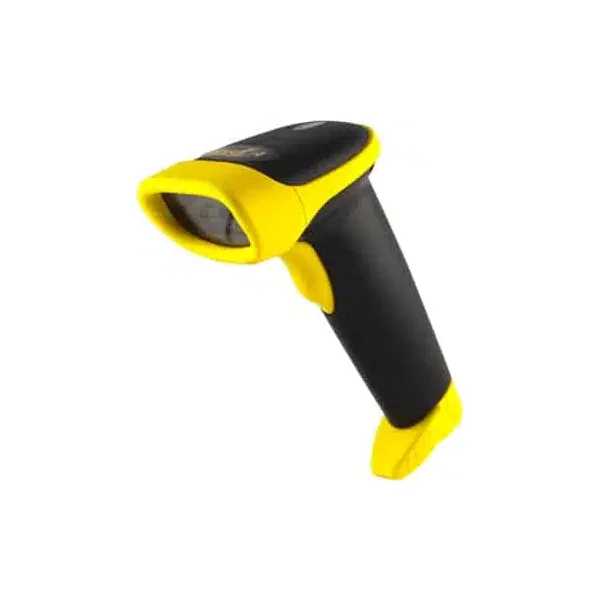
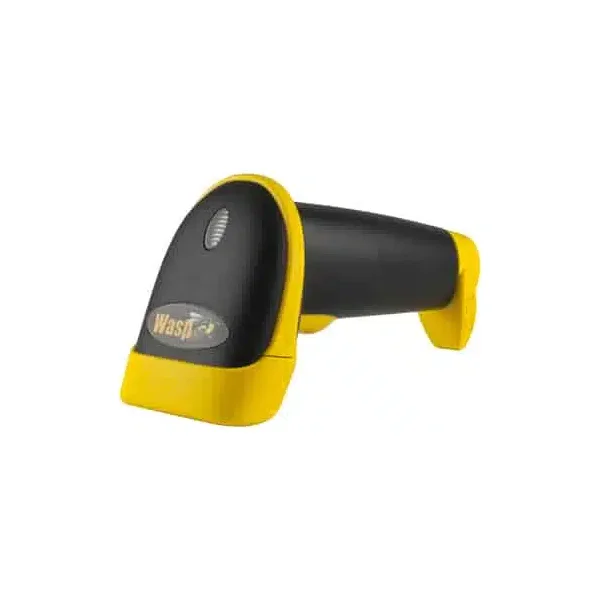
Buy Wasp WLR8950 from BackUp BarCode Systems, Inc.
| Image | Name | SKU | Price |
|---|---|---|---|
| WASP WCS3900/3905, WLR8900/8950 SERIES PS2 CABLE | 633808121228 | $30.00 |
| Image | Name | SKU | Price |
|---|---|---|---|
 | WASPPROTECT SERVICE PLAN, WLR89XX, 48 HR 2-YR | 633808600020 | $29.00 |
| Image | Name | SKU | Price |
|---|---|---|---|
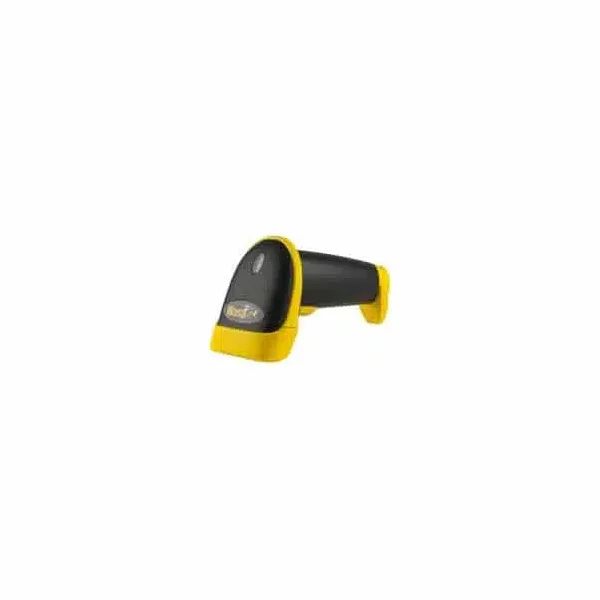
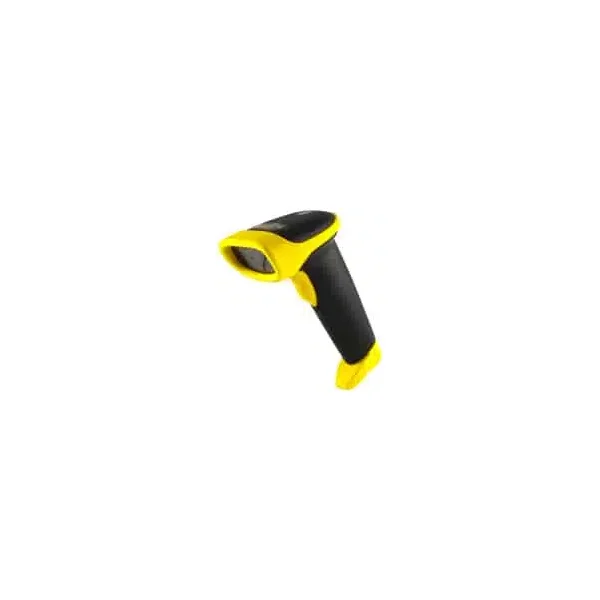
 | WASP WLR8950 CCD LR BARCODE SCANNER WITH PS2 | 633808121679 | $99.00 |
| WASP WLR8950 CCD LR BARCODE SCANNER WITH USB | 633808121662 | $99.00 |
 | Wasp WLR8950 SBR Extended Range Laser Aiming Barcode Scanner w/USB | 633809002717 | $99.00 |
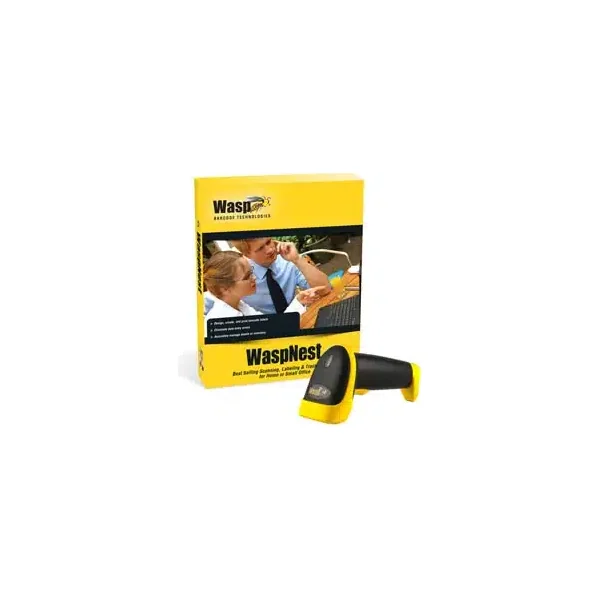
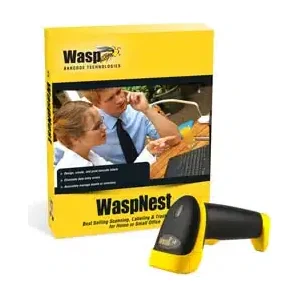 | NEW WASPNEST WLR8950 CCD LR SCANNER, USB | 633808931353 | $249.00 |
Setup & Configuration 5 Factory Default 5 Auto-Sense Stand Mode 6 Keyboard Connection 6 Interface Selections 6 Beep Settings 7 Beep and Delay 7 Interblock Delay 8 Upper/Lower Case 9 Keyboard Language 9 Preamble/Postamble 10 Terminator 10 Label Type Positive/Negative 11 Code ID 11 Bi-color light source settings 12 Enable/Disable Barcode Symbologies 13 Code 39 Settings 14 Interleaved 2 of 5 and Code 93 settings 15 Code 128 and UCC/EAN 128 Settings 16 MSI Plessey Settings 17 Codabar Settings 18 UPC-A and UPC-A Supplement Settings 19 UPC-E and UPC-E Supplement Settings 20 EAN-8 and EAN-8 Supplement Settings 21 EAN-13 and EAN-13 Supplement Settings 22 Appendix A Barcode Test Symbols 23 Appendix B ASCII Table 25 Appendix C Function Codes for PC 29 Appendix D Technical Specifications 30 Warranty Information 31 FAQ 32 Product Support 33 Rev. 5/09/2012 Chapter 1 1 Introduction Barcoding is the most common Automated Data Collection (ADC) technology providing timely, error-free information that can be used to increase productivity, accuracy, and efficiency in the workplace. Virtually every type of industry is using barcodes to replace keyboard data entry. Studies have shown that a proficient data entry operator will make one error for every 300 characters that are manually entered. The error rate using barcodes is almost negligible and can be error-free using barcode symbologies with the check digit enabled. The Wasp Charged Coupled Device (CCD) technology is a technique whereby a barcode is photographed, digitized, and electronically sampled by built-in photodetectors. The detectors process the measurement of every bar and space using the number of adjacent photodetectors which contrast a black mark and a white space. Wasp WLR8950 series scanners are extremely rugged since they have no moving parts. Wasp WLR8950 series scanners support PS/2 or USB keyboard interfaces and easily wedges between the computer and keyboard. Barcode data is passed directly into the keyboard buffer as if it had been typed in by hand by a data entry operator. Of all the hand held barcode scanning devices on the market, the CCD reader is the easiest to use and most cost effective for the typical business user. The Wasp WLR8950 series scanners are extended distance scanners with a depth of reading of up to one foot depending on the mil size of the barcode. To activate the scanner, the user simply points the scanning aperture towards the barcode, pulls the trigger, and aims the red LED beam across the barcode. Chapter 2 2 Barcodes are symbols consisting of a series of bars and spaces which can be applied to packages, cartons, bottles, and other commercial products. The bars and spaces in each symbol are grouped in such a way to represent a specific ASCII character or function. The interpretation of these groups is based on a particular set of rules called symbologies. Various symbologies have been developed for particular applications. Some examples are shipping and receiving, manufacturing, retail, healthcare, transportation, document processing and tracking, and libraries. The resolution of a barcode is dependent on the narrowest element of a barcode (X dimension), and can vary from high density (nominally less than 0.009 in./0.23 mm), medium density (between 0.009 in./0.23 mm and 0.020 in./0.50 mm), and low density (greater than 0.020 in./0.50 mm). Medium and low densities are the most common since these are the easiest to read (scan) with nearly all scanning devices.
Wasp WLR8950 Scanners can read the most popular barcode symbologies including Code 39, Code 93, Code 128, Interleaved 2 of 5, UPC-A, UPC-E, EAN/JAN-8, EAN/JAN-13, Codabar, and MSI/Plessey.
Barcode Symbologies Chapter 3 3 Installation Trigger Scanning Aperture Din-6M Din-6F Trigger Scanning Aperture USB Port 1. Plug the USB of the WLR8950 Scanner directly into your PC’s USB port.
Unplug your PC keyboard cable and plug the male end (Din 6) of the WLR8950 Scanner directly into your PC keyboard port. Plug your keyboard cable into the other end (female Din 6) of the the scanner.
The default settings of the scanners have been pre-programmed for the most common barcode configurations. Use the “WLR8950 Setup & Configuration” sections only to customize the scanners settings. Please review the “Enable Barcode Symbologies” configuration beginning on page 15 to see the list of barcode symbologies which are enabled by default.
Use the pre-printed “Barcode Test Symbols” in Appendix A on pages 25-26 as a test chart to practice scanning. Quick Start USB Connection PS2 Connection KEYBOARD Y-CABLE BACK OF PC KEYBOARD MOUSE DO NOT PLUG IN MOUSE PORT! KEYBOARD WLR 8900 PS2 Scanner WLR 8905 USB Scanner USB Connector Chapter 5 5 Use the Factory Default barcode to reset the scanner to the Default settings. Factory Default In order to configure Wasp WLR8950 Scanners, you must familiarize yourself with the setup procedures on the following pages. The default settings of the Wasp WLR8950 Scanners are identified on each page and clearly marked using an asterisk (*). The default settings have been preprogrammed for the most common barcode configurations. Use the Setup & Configuration only to customize the Wasp WLR8950 Scanners settings. If you need to configure the scanner, the default settings will be overwritten. All the programmed settings are stored permanently in non-volatile memory; therefore, your configuration will be maintained even if the keyboard power to Wasp WLR8950 Scanners is removed by turning off your PC. In order to configure Wasp WLR8950 Series Scanners, two basic steps need to be followed: (1) Locate the group that contains the options to be changed. (2) Scan the barcode representing the option to be changed.
To change Minimum/Maximum Length: (1) Scan the Minimum or Maximum Length barcode.